
The platform
The whole translation cycle, in one platform
From the client’s request to the invoice, every step happens in Broca — with the same data, the same access rights and the same audit trail.
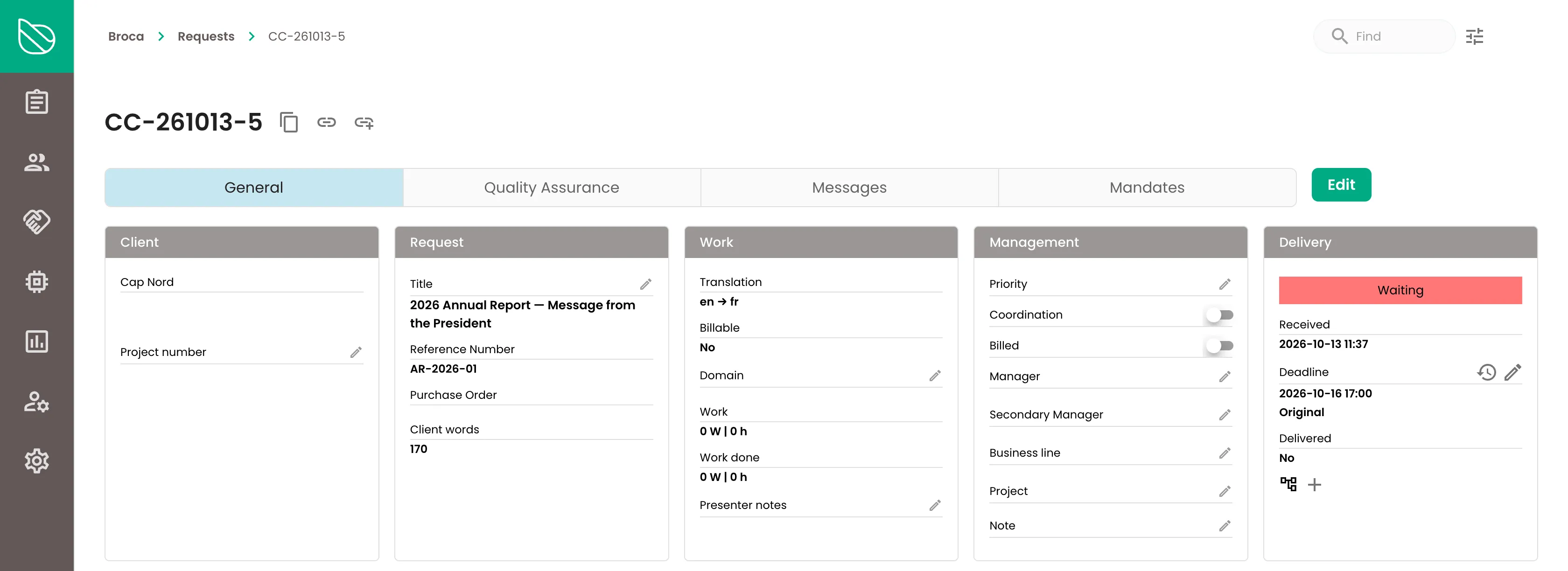
The life of a request
Six steps, zero email
1. The client submits a request
In the portal, with documents, instructions and references. Or straight from Microsoft 365 Copilot.
2. Broca analyzes it
Word counts, memory matches, repetitions, similar documents already translated: the manager has it all as soon as the request is created.
3. Broca proposes the plan
The right workflow and the right people, based on language pair, domain, deadline and real availability. The manager approves or adjusts.
4. Pre-translation and AI
Memory, terminology, machine translation or AI: you choose the level of assistance, request by request.
5. Translation and revision
In the web editor or in Word, alone or as a team, with live preview and terminology checks.
6. Delivery, invoicing, reporting
The client receives files in their original format, the memory grows, invoicing and reports update themselves.
Client portal
Your clients submit translation requests on their own, securely
A customizable portal where each client manages requests end to end: documents, instructions, references, deadlines, tracking and feedback. No more attachments lost in a shared inbox.
- Role-based access: client, manager, linguist, external provider.
- Confidential requests visible only to authorized people.
- Instructions and reference documents attached to each client.
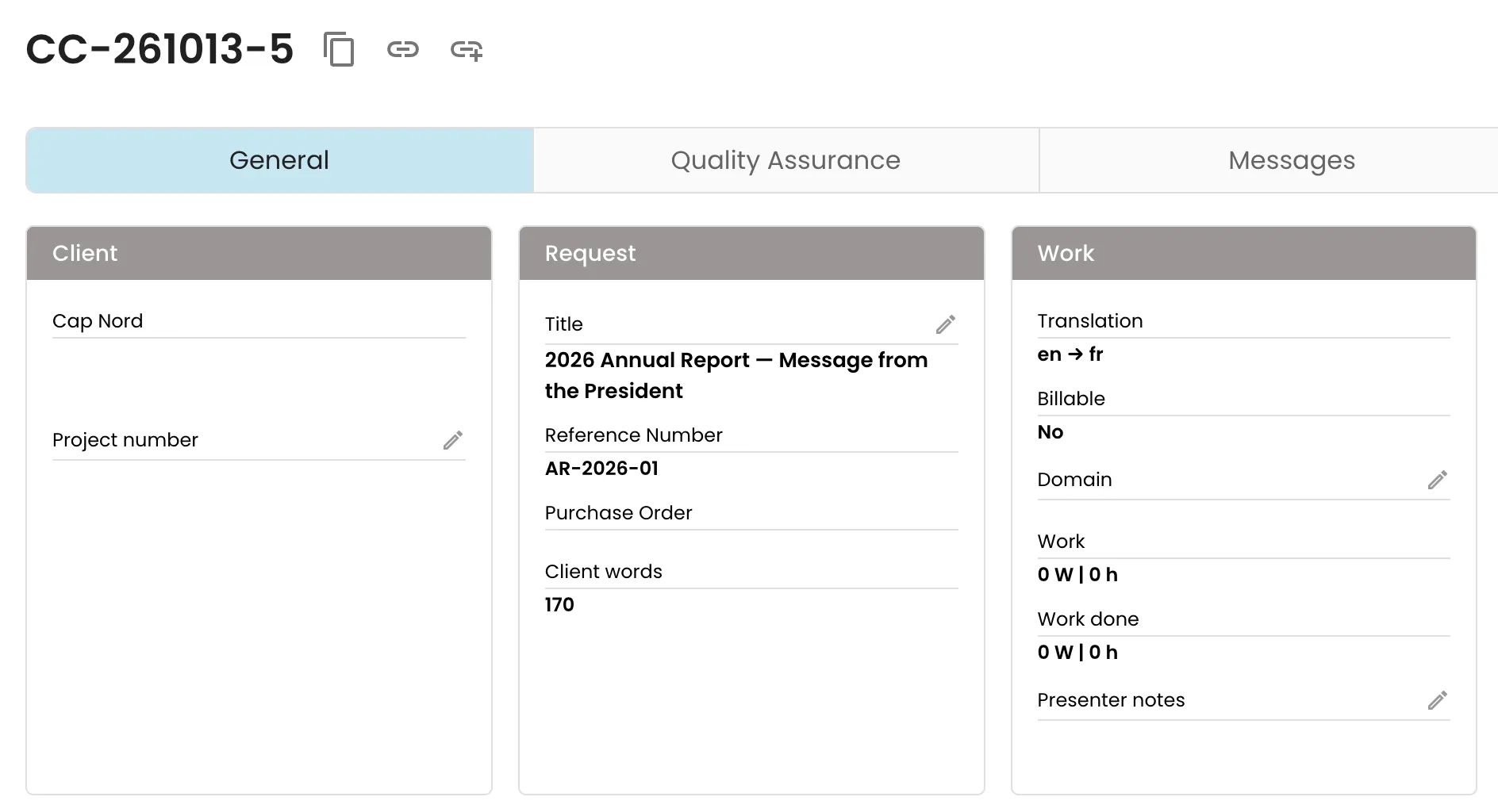
Coordination and scheduling
The right linguist, at the right time, in seconds
Broca knows everyone’s skills, domains, calendars, vacations and workload. It proposes a plan that can actually be staffed — and explains why — before the manager even opens the request.
- Workflow templates by language, volume, urgency and file type.
- Priority to linguists who already translated similar documents for this client.
- Semi-automatic assignment, or fully automatic for recurring requests.
Memory and terminology
Never translate the same sentence twice
Echo, our translation memory engine, compares every new document with everything you have already translated. Approved terms show up at the right moment, and your linguists grow the terminology in real time.
- Exact matches, fuzzy matches and repetitions detected automatically.
- Similar-document search and concordance across your entire history.
- Shared term base: preferred and forbidden terms, definitions.

Web editor
A real translation workstation, in the browser
Segment by segment, with memory matches, terminology on hover and a live preview of the formatted document. As you type, Broca suggests what comes next while following your terminology, and source formatting carries over to the translation automatically. Several linguists can work in the same document at the same time.
- Autosuggest: as you type, Broca proposes the rest of the word, phrase or sentence. Approved terms are built in and inflected automatically (gender, number, conjugation).
- Autoformatting: the source’s formatting and tags (bold, italics…) are applied to the translation, for one segment or the whole document. Tags that need a look are flagged.
- Protected tags and formatting, keyboard shortcuts, quality checks.
- Antidote integration for French proofreading.
- Prefer Word? Work offline; Broca realigns and updates the memory on return.
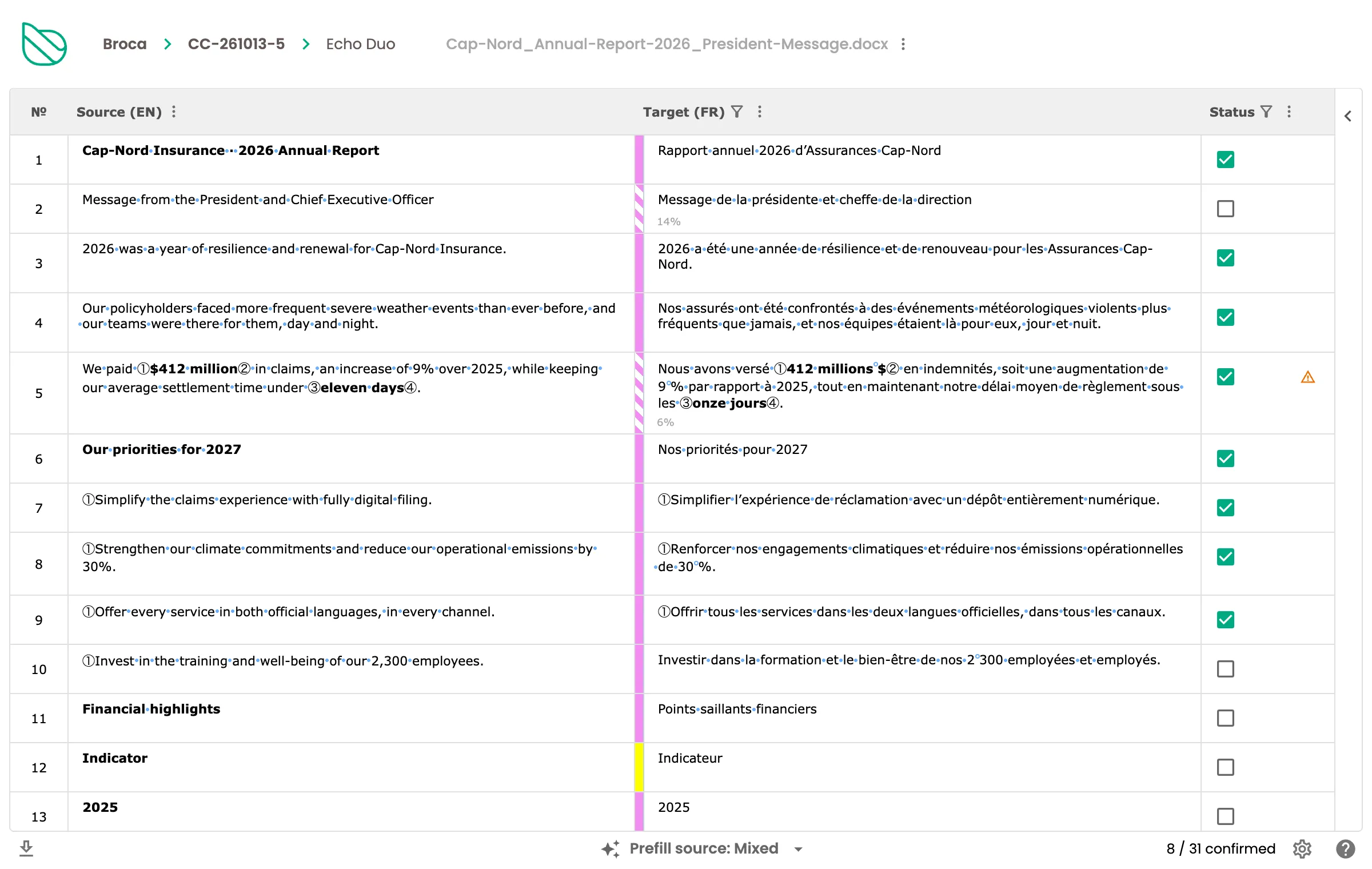
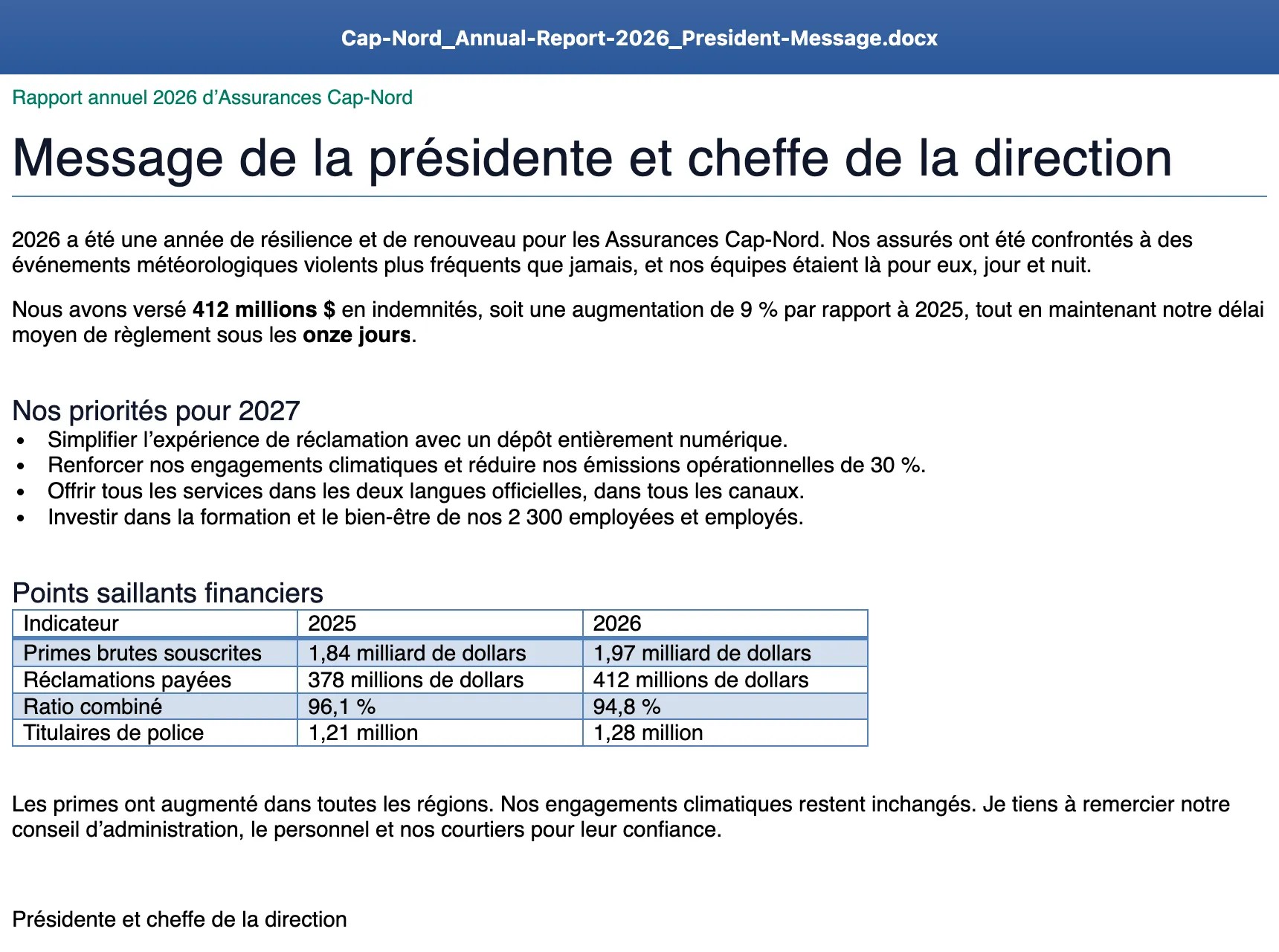
Live preview
See the final document while you translate
No more exporting to check: the live preview shows the translated document with its layout, exactly as the client will receive it, and updates as you type.
- Every change shows up in the document immediately, layout included.
- Select a segment: the preview scrolls to it and highlights it. Click a sentence in the preview: the editor opens that segment.
- Opens in its own window, ideal on a second screen.
- Word, PowerPoint and Excel documents.
Invoicing
From request to invoice, without re-keying
Rates by client, service, language and pre-translation level apply automatically. Client invoicing and provider payment share the same data: your margin per request, client or domain is just a report.
- Rate grids by service, language, priority and matches.
- Client and provider invoicing in the same tool.
- Margin per request, client and domain, in one report.
Reporting
Run your service on data, not impressions
Over 20 ready-to-use dashboards, and the ability to build your own on the same secured data.
- Volumes by client, domain, service and linguist.
- Late requests, workload, pre-translation levels, terminology.
- Data available to Power BI or Tableau when needed.
Integrations
Broca fits into your environment
Microsoft 365 Copilot
Submit and track requests and search the memory without leaving Microsoft 365.
Claude and other AI assistants
A standard connector (MCP) that acts with the user’s permissions, and only with their confirmation.
Antidote
Proofread French with Antidote, right inside the Broca editor.
Single sign-on
SAML SSO with your identity provider (Microsoft Entra ID, Okta and others).
Your formats, preserved end to end
Word, Excel, PowerPoint, PDF, InDesign (IDML), FrameMaker (MIF), HTML, XLIFF, TMX and more.
See Broca with your own documents
A 45-minute demo tailored to your organization, with no commitment.